Ritmo
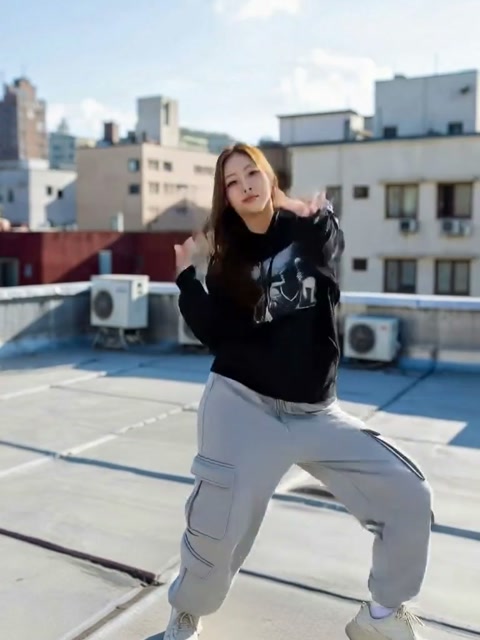
A caption that looks great on an empty screen can cover the footwork once the clip plays. Use this sample post to try two positions, then check your own edit at phone size.
Make room for the move
Play the example with the caption low, then move it up. Watch the same step both ways. On your own clip, keep text clear of the part of the body that tells the story. Leave space along the right edge for the app’s controls, and check the final crop in your draft.
Pick a cover that shows the idea
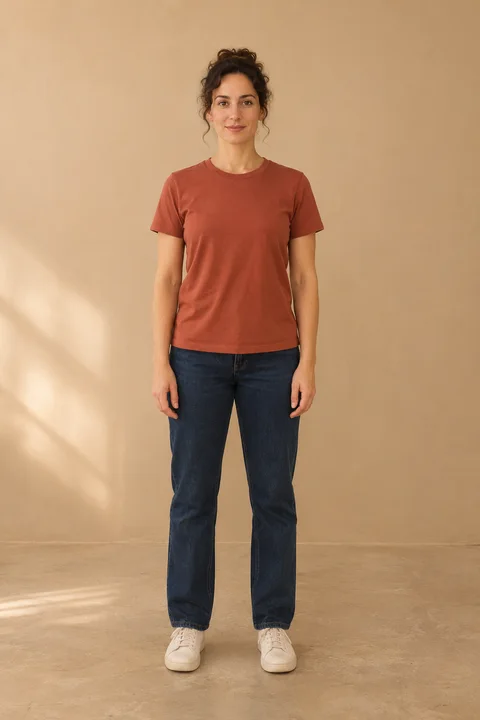
Scrub to a frame where the pose is easy to recognise at thumbnail size. For a photo-to-dance reveal, a simple caption like “I started with one photo” gives the viewer context. Replay the first second with sound off to check whether the opening still makes sense.
Label the clip when you share it
TikTok requires a label for realistic AI-generated content, including a real person shown doing a dance they didn’t perform. Turn on the AI-generated content setting for your post. If you add music, choose a track you have permission to use. Read TikTok’s guide to AI-generated content.